Last Updated on November 27, 2025 by Bilal Hasdemir
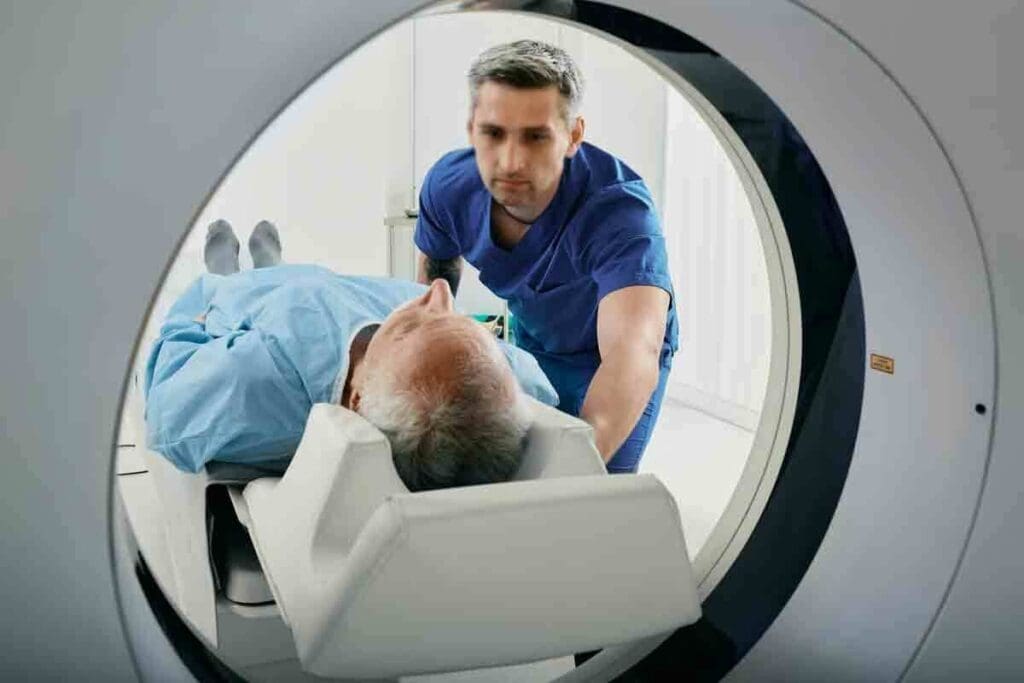
When your doctor suggests a CT scan, knowing what to expect can ease your worries. At Liv Hospital, we focus on making your visit smooth and efficient. We ensure clear communication and quick processes.Find out how long does a CT scan take with our ultimate guide. Get powerful answers on the full duration for amazing peace of mind before your test.
CT scans are fast and accurate, using X-rays to create detailed images of your body. The scan itself usually takes less than five minutes. But the whole visit, from start to finish, might take 15 to 30 minutes for most scans.
We know your time is important, and we aim to give you top-notch care without keeping you waiting. Our team works hard to make your CT scan experience as easy and comfortable as possible.
Key Takeaways
- CT scans are a quick and painless diagnostic tool.
- The actual scan time is typically under five minutes.
- Total appointment time usually ranges from 15 to 30 minutes.
- Liv Hospital prioritizes patient experience and efficiency.
- Clear communication and streamlined processes are our focus.
What is a CT Scan and Why is it Performed?
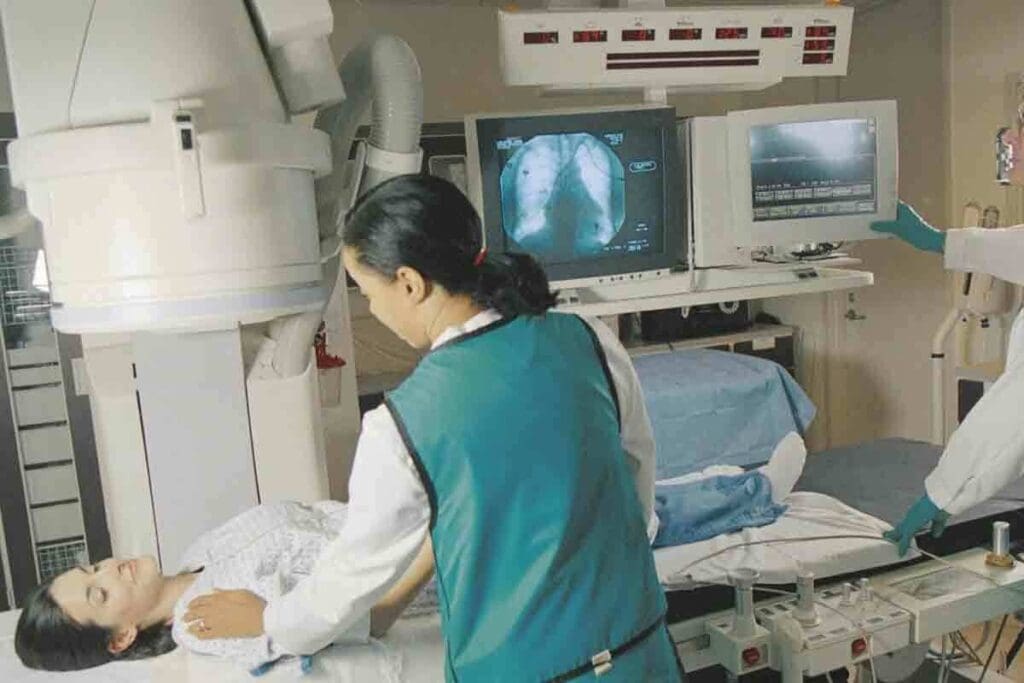
CT scans are a big help in medical care. They let doctors look inside the body without surgery. This helps find and track many health issues, guiding how to treat them.
Definition and Basic Principles
A CT scan uses X-rays to take pictures of the body’s inside parts. These pictures are then put together to show detailed views. This helps doctors spot problems and check if treatments are working. The scan itself is quick, usually under five minutes.
Common Medical Uses and Benefits
CT scans are very useful in medicine. They help with many things, like:
- Diagnosing injuries and fractures
- Detecting and tracking cancers
- Helping with procedures
- Looking at blood vessel diseases
- Checking lung and chest problems
CT scans offer clear images of the body’s inside. They are fast and don’t hurt. This makes them very useful in finding and treating health issues.
| Medical Use | Description | Benefit |
| Diagnosing Injuries | CT scans find fractures and internal injuries. | Quick and accurate diagnosis |
| Cancer Detection | CT scans spot and track tumors. | Early detection and treatment monitoring |
| Vascular Disease Assessment | CT scans check blood vessel health. | Detailed vascular imaging |
How Long Does a CT Scan Take: Typical Duration Expectations
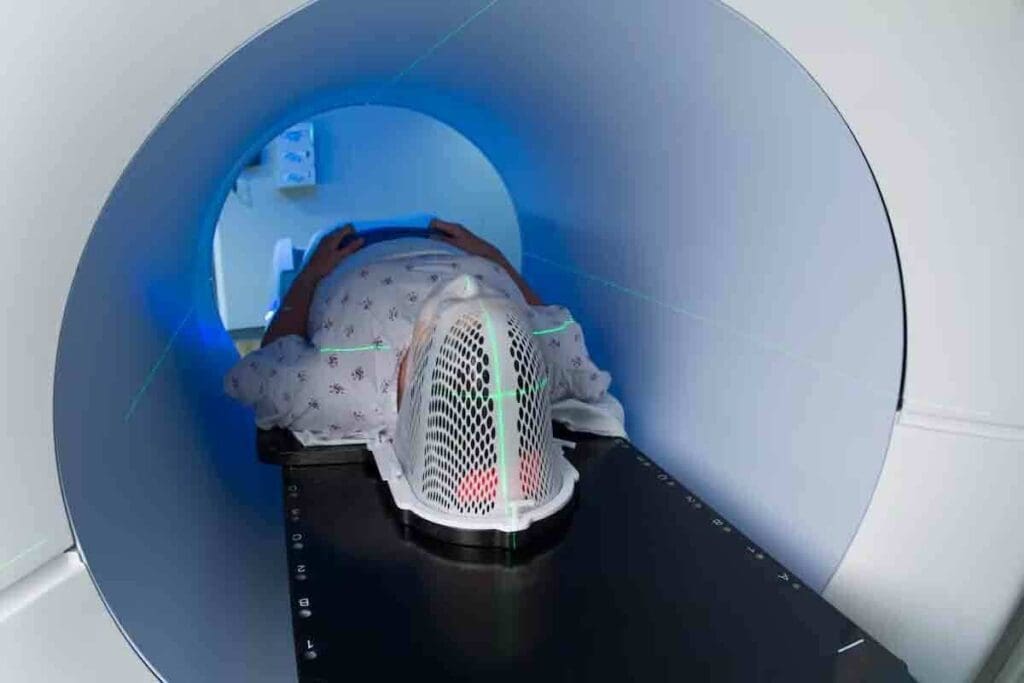
Knowing how long a CT scan takes is important for patients. We’ll explain the typical times for CT scans. We’ll also talk about the difference between the scan time and the whole visit time. Plus, we’ll cover what can make your visit longer.
Standard CT Scan Timeframes
The actual CT scan usually takes less than a minute to a few minutes. But, he whole time at the imaging center is longer. Most standard CT scans take 15 to 30 minutes. This includes getting ready, the scan, and any steps after it.
Difference Between Scan Time vs. Total Appointment Time
It’s key to know the difference between scan time and total visit time. The scan time is how long the CT scan itself takes, from seconds to minutes. The total appointment time includes getting ready, the scan, and checking after it. So, while the scan might be quick, the whole visit can take longer.
Factors That Influence Overall Duration
Several things can change how long your CT scan visit is. These include:
- The complexity of the scan
- The need for contrast material
- The patient’s medical condition
- The efficiency of the imaging facility
For example, if contrast material is needed, more time is required for it. Also, scanning more areas means a longer visit.
Understanding these factors and what to expect can help you prepare. This can make your visit less stressful and smoother.
Duration of Different Types of CT Scans
The time needed for a CT scan changes with the scan type and its complexity. Each body part needs a unique scanning method. This affects how long the scan takes.
Head and Brain CT Scans
Head and brain CT scans are fast, taking 10 to 15 minutes. They help find injuries, bleeding, or other brain issues.
Chest CT Scans
Chest CT scans take longer, from 15 to 20 minutes. They are key to treating lung, heart, and nearby problems.
Abdominal and Pelvic CT Scans
Abdominal and pelvic CT scans need more time, lasting 20 to 30 minutes. They check on the liver, kidneys, and intestines.
Full-Body CT Scans
Full-body CT scans are the most detailed and longest, taking 30 to 45 minutes. They look at the whole body for issues like cancer or trauma. More complex scans might take up to 45 minutes, with contrast dye added.
Knowing how long different CT scans take helps patients get ready and set the right expectations. The times given are general, and actual scan times can change. This depends on the person’s needs and the scanning facility’s specifics.
The Complete CT Scan Process Timeline
The CT scan process has several steps, from check-in to post-scan monitoring. We will explain each stage in detail. Knowing these steps can help patients prepare and feel less anxious about the procedure.
Check-in and Registration Time
When you arrive, you start with check-in and registration. You’ll fill out paperwork, show your ID, and confirm your insurance. It’s best to arrive 15-30 minutes early to get this done.
Preparation Time
Next, you’ll go to a prep area to change into a hospital gown. You’ll also remove any metal items like jewelry or glasses. Depending on the scan, you might get contrast material orally or through an IV. This prep time usually takes 15-30 minutes.
Actual Scanning Duration
The scan time varies based on the body area. Head scans take 10-15 minutes, while abdominal scans can take 20-30 minutes. The actual scan is quick, but there’s extra time for setup and ensuring everything is right.
Post-Scan Monitoring Period
After the scan, you’ll be watched for a bit, especially if contrast was used. This is to check for any bad reactions. This monitoring usually lasts 15 to 30 minutes, then you can go back to your day unless told differently by your doctor.
In summary, the whole CT scan process, from start to finish, can take 60 to 120 minutes. This depends on the scan’s complexity and your needs.
| Stage | Typical Duration | Description |
| Check-in and Registration | 15-30 minutes | Completing paperwork and formalities |
| Preparation | 15-30 minutes | Changing into a gown, removing metal objects, and receiving contrast material if needed |
| Actual Scanning | 10-45 minutes | The scan itself varies by body area |
| Post-Scan Monitoring | 15-30 minutes | Monitoring for adverse reactions to contrast material |
| Total Time | 60-120 minutes | Overall duration from arrival to discharge |
A medical expert says, “Knowing the CT scan process can really help reduce anxiety and make the experience better.” This detailed guide should help patients know what to expect during their CT scan.
“The CT scan process is designed to be efficient and comfortable for patients. By understanding the steps involved, patients can feel more at ease and prepared for their examination.”
Amy, Radiology Department Head
How Contrast Material Affects CT Scan Duration
Contrast material is key in making certain tissues and blood vessels visible during a CT scan. It affects how long the scan takes. Using contrast material means there’s an extra step, which can change the scan’s total time.
Types of Contrast Materials Used
There are many contrast materials for CT scans, each for a different purpose. Iodinated contrast is given through an IV. Barium-based contrast is used for the gut. The right contrast depends on the body part and the test’s needs.
Table: Types of Contrast Materials and Their Uses
| Type of Contrast Material | Administration Method | Primary Use |
| Iodinated Contrast | Intravenous | Enhancing blood vessels and organs |
| Barium-based Contrast | Oral or Rectal | Imaging the gastrointestinal tract |
Additional Time for Contrast Administration
Adding contrast material makes the CT scan longer. It takes about 10–15 minutes for prep and watching for side effects. This includes setting up the IV, giving the contrast, and checking for reactions.
Post-Contrast Monitoring Requirements
After getting the contrast, patients are watched for side effects. This is a safety step that adds to the time at the imaging place. The watch time is shorter, but very important for safety.
In short, contrast material makes CT scans better but longer. Knowing about contrast types, prep time, and monitoring helps patients get ready for their scan. It also helps them understand the scan’s total time.
Preparing for Your CT Scan: What to Expect
Knowing what to expect from a CT scan can make you feel less anxious. It’s important to understand the process and what you need to do before, during, and after the scan. This includes any special preparations for different parts of your body.
Days Before Your Appointment
Before your CT scan, your doctor will give you specific instructions. You might need to:
- Dietary restrictions: Avoid eating or drinking for a while before the scan, if it’s with contrast.
- Medication management: Tell your doctor about any medicines you’re taking, as some might need to be changed or stopped.
- Allergy disclosure: If you’ve reacted to x-ray dye or iodine, let your healthcare provider know.
The Day of Your CT Scan
On the day of your scan, arrive early to fill out paperwork and get ready. You should:
- Wear comfortable clothing: Pick loose, comfy clothes without metal.
- Remove metal objects: Take off any metal jewelry, glasses, or clothes that could get in the way.
- Arrive prepared: Bring any needed documents, insurance info, and a list of your medicines.
Special Preparations for Different Body Areas
Depending on where you’re being scanned, you might need extra steps. For example:
- Oral contrast CT scans: You might drink a special liquid before the scan to show the digestive tract.
- Abdominal and pelvic CT scans: You could be asked to drink a contrast material or have an IV for contrast.
By knowing these steps, you can make your CT scan go smoothly and successfully.
CT Scan Duration Compared to Other Imaging Techniques
CT scans are often compared to other imaging techniques like MRIs, X-rays, and ultrasounds. Knowing these differences helps both patients and healthcare providers make better choices about diagnostic testing.
CT Scans vs. MRIs
CT scans and Magnetic Resonance Imaging (MRI) are often compared. They both show detailed images of the body’s internal structures. But they work differently and take different amounts of time. CT scans usually take less time than MRIs.
A CT scan can be done in just a few minutes, from 10 to 30 minutes. MRI scans, on the other hand, can take much longer, from 15 to 90 minutes. MRI scans take longer because they show more detail and use special technology.
“MRI technology has revolutionized diagnostic medicine by providing high-resolution images without the need for ionizing radiation, albeit with longer scan times compared to CT scans.”
CT Scans vs. X-rays and Ultrasounds
CT scans take longer than X-rays and ultrasounds because they show more detailed images. X-rays are quick, taking only a few seconds to a few minutes. They are great for emergencies or checking bone fractures.
Ultrasounds use sound waves to create images and can take 15 to 60 minutes. They are safe and don’t use radiation, but their time can vary based on the area and the patient’s condition.
When Might a Longer Imaging Test Be Necessary?
A longer test, like an MRI, might be needed for detailed soft tissue images. This is often the case for neurological exams or complex joint injuries. The choice between CT scans and other tests depends on the specific needs of the patient.
The choice of imaging technique is about finding the right balance. It’s about getting the detailed information needed without taking too much time. By understanding these differences, patients can prepare better for tests, and healthcare providers can make better decisions.
Tips to Help Your CT Scan Go Smoothly and Quickly
To make your CT scan go smoothly, being prepared is key. Many people feel anxious about CT scans. But with the right steps, you can make the process easier.
Before Your Appointment
Getting ready for your CT scan is important. Here are some tips to help you:
- Arrive Early: Get there 30 minutes before your time. This gives you time to check in and get ready.
- Wear Comfortable Clothing: Choose loose, comfy clothes that you can easily take off. Avoid clothes with metal, like zippers.
- Remove Metal Objects: Take off any metal items, like jewelry or glasses, to avoid scan problems.
- Follow Dietary Instructions: If you need contrast material, follow the diet instructions given to you. It’s important to do so.
During Your CT Scan
During the scan, staying calm and following instructions is key. Here are some tips:
- Follow Instructions: The technologist will guide you on how to position yourself and when to hold your breath. Listen carefully.
- Remain Still: Try to stay as steady as possible. This helps get clear images.
- Communicate with the Technologist: If you’re uncomfortable or have questions, tell the technologist right away.
When to Expect Your Results
After your scan, a radiologist will review the images. Your doctor will then discuss the results with you. Here’s what to expect:
| Timeframe | Results |
| Same Day | In some cases, your doctor may talk about the results with you the same day. |
| 1-2 Days | Usually, you’ll get the results in 1-2 business days. |
| Follow-up | Your doctor will call you to go over the results and what to do next. |
By following these tips, you can make your CT scan experience better. If you have any questions, always ask your healthcare provider.
Conclusion
As we wrap up our talk on CT scan duration and process, it’s clear they’re key in medical imaging. CT scans give detailed images quickly. This makes them a great tool for spotting many health issues.
The time it takes for a CT scan can change a lot. It depends on the scan type, the area of the body, and whether contrast material is used. Knowing the CT scan process helps patients get ready and know what to expect.
Being informed about a CT scan can lower anxiety and make the experience better. It’s important to follow prep steps and talk with healthcare providers. This helps make the scan go smoothly.
In short, a CT scan is quick and doesn’t hurt much. It gives important information for diagnosis. We hope to have given patients the info they need to feel confident during their diagnostic journey.
FAQ
How long does a typical CT scan take?
A CT scan can take anywhere from a few seconds to several minutes. This depends on the scan type and body area. But the whole visit, including getting ready and after the scan, usually takes 30-60 minutes.
What factors can influence the overall duration of a CT scan?
Several things can affect how long a CT scan takes. These include whether contrast material is needed, the scan’s complexity, and the patient’s health.
How long does a head or brain CT scan take?
A head or brain CT scan usually takes 10-15 minutes.
What is the duration of a full-body CT scan?
A full-body CT scan can take 30-45 minutes.
How does contrast material affect the CT scan duration?
Using contrast material adds time to the scan. It needs to be given and allowed to work before scanning. This can add 15-30 minutes to your visit.
What should I expect on the day of my CT scan?
On your CT scan day, arrive early to fill out paperwork. You’ll change into a gown and remove metal items. Then, you’ll go to the scan room.
How does the duration of a CT scan compare to other imaging techniques?
CT scans are faster than MRI scans, which can take 15-90 minutes. They are longer than X-rays but shorter than many MRI scans.
What can I do to help my CT scan go smoothly and quickly?
To make your CT scan go well, arrive early and follow instructions. Stay calm and remain very quiet during the scan.
When can I expect my CT scan results?
When you’ll get your CT scan results depends on the place and scan complexity. Your doctor will tell you when to expect them.
How long does it take to get the results of a CT scan with contrast?
Getting results from a CT scan with contrast takes about the same time as a standard scan.
What is the difference between scan time and total appointment time for a CT scan?
Scan time is how long the CT scanner is in use. Total appointment time includes getting ready, registering, and monitoring after the scan, plus the scan itself.
References
- UPMC. (n.d.). CT scan: What to expect before, during, and after.https://www.upmc.com/services/imaging/services/ct-scan